
Appearance
Working with the Schedule
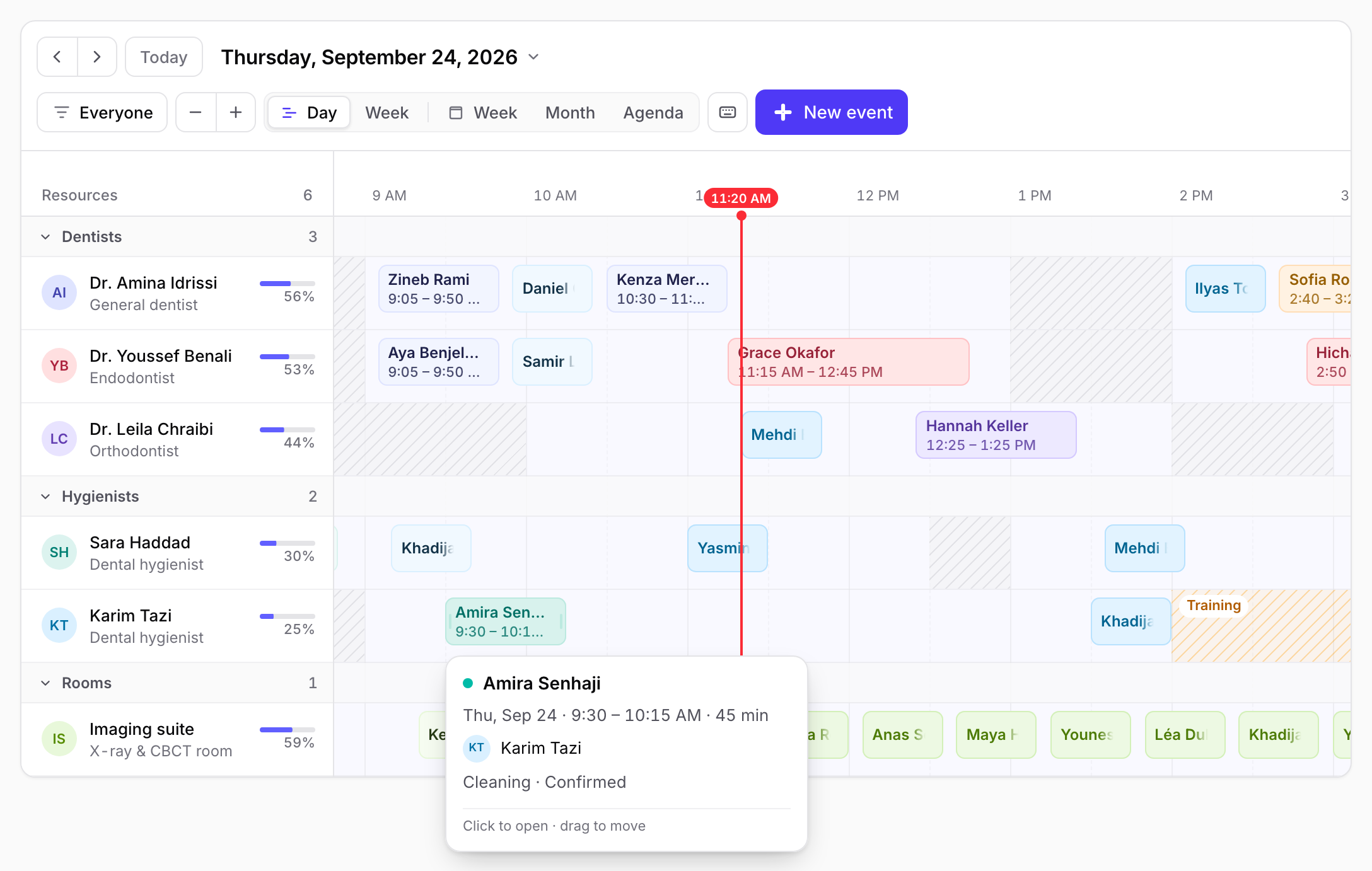
Hover to preview
Truncated bars never hide information. Resting on an event shows its time, duration, resource, description and progress without opening anything.
See the slot before you book it
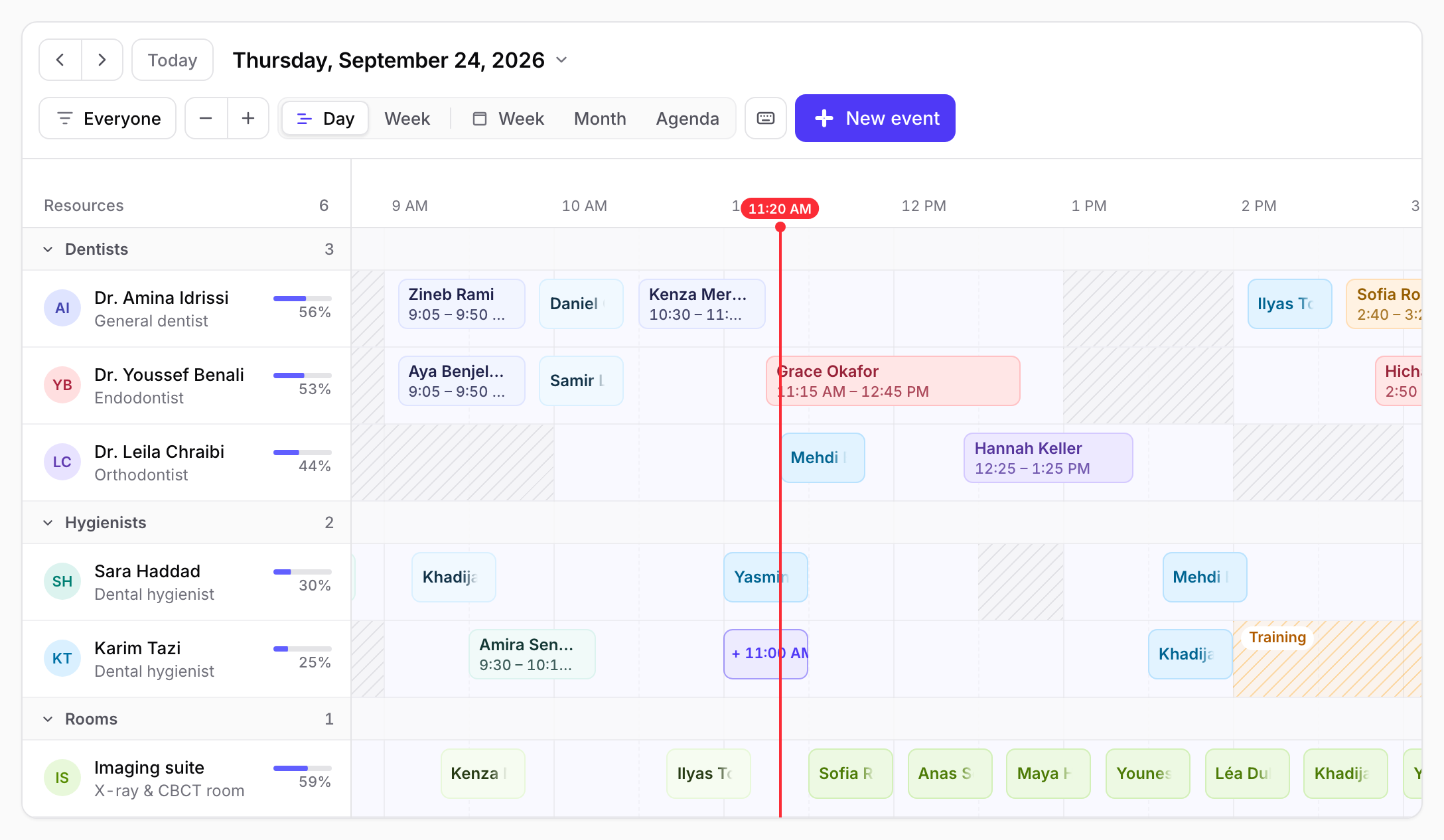
Hovering an empty row outlines the slot a click would create. If the slot is outside working hours or clashes with time off, the outline says why before you commit.
Drag with feedback
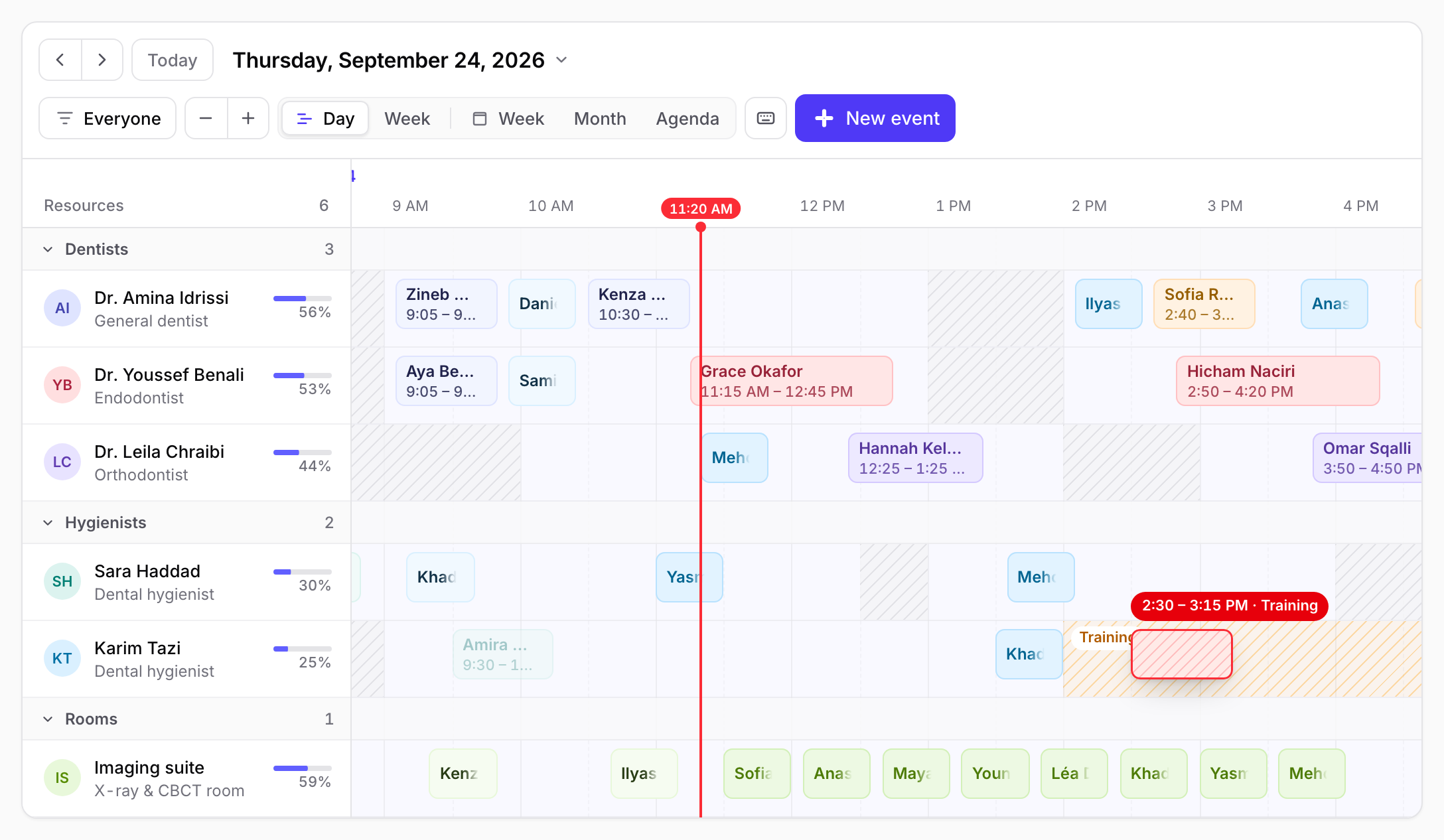
The ghost shows the new time while you drag and turns red with the reason when a rule would refuse the drop. Dragging near an edge scrolls the timeline. Esc cancels any drag, including drawing a new event.
Book in a native modal
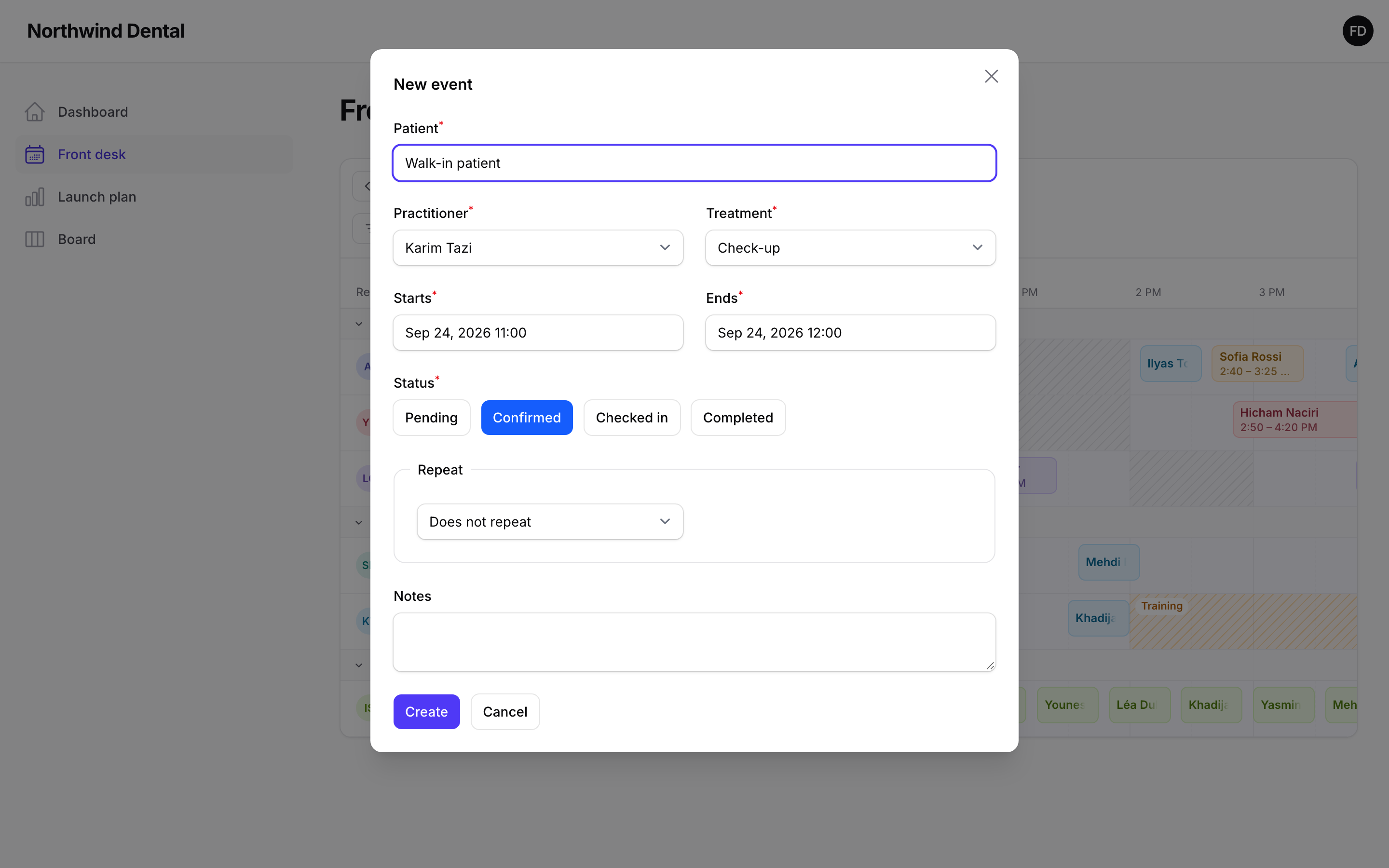
Drawing across a row, or clicking a hinted slot, opens your Filament form in a slide-over with the resource and times already filled in.
Jump anywhere, focus on the people you need
Click the date title to open a month picker. The filter searches resources, hides any of them, or isolates one with Only.
| Date picker | Resource filter |
|---|---|
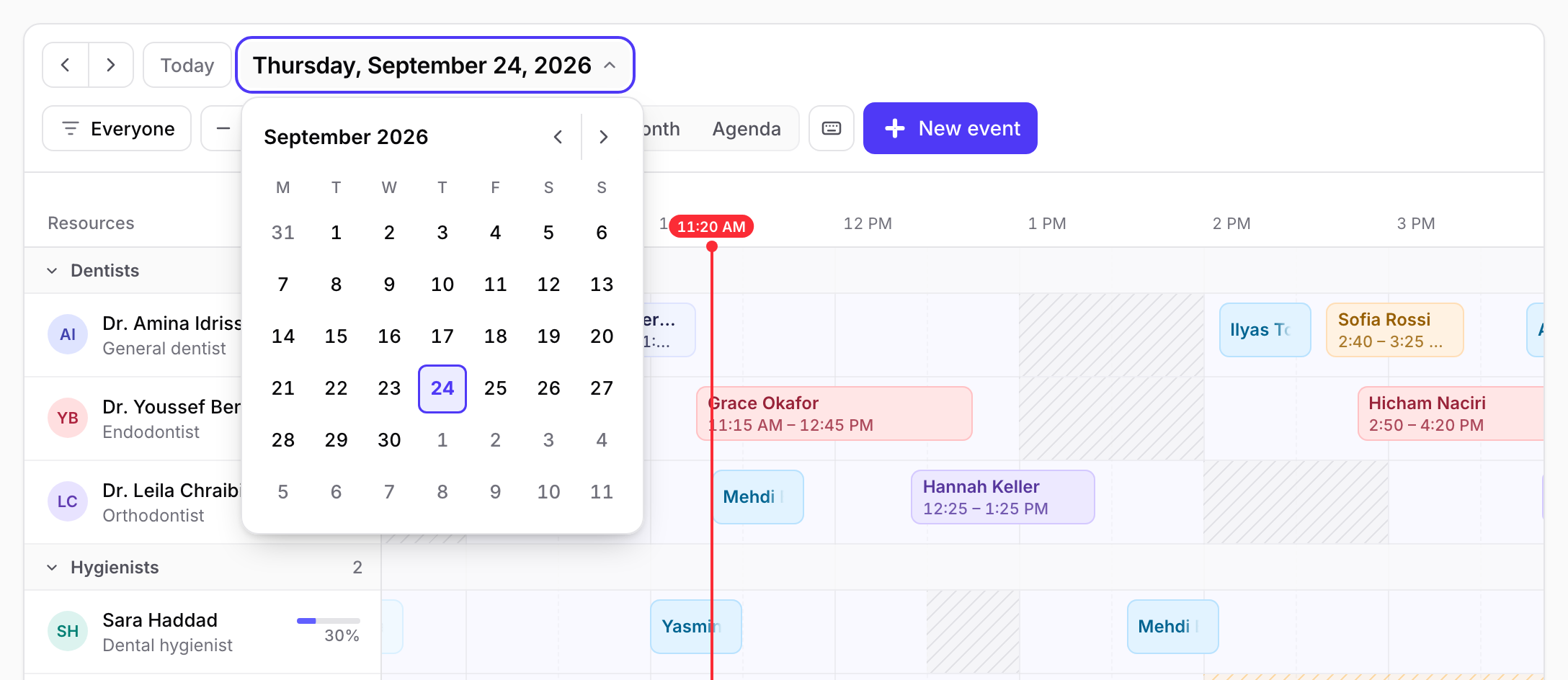 | 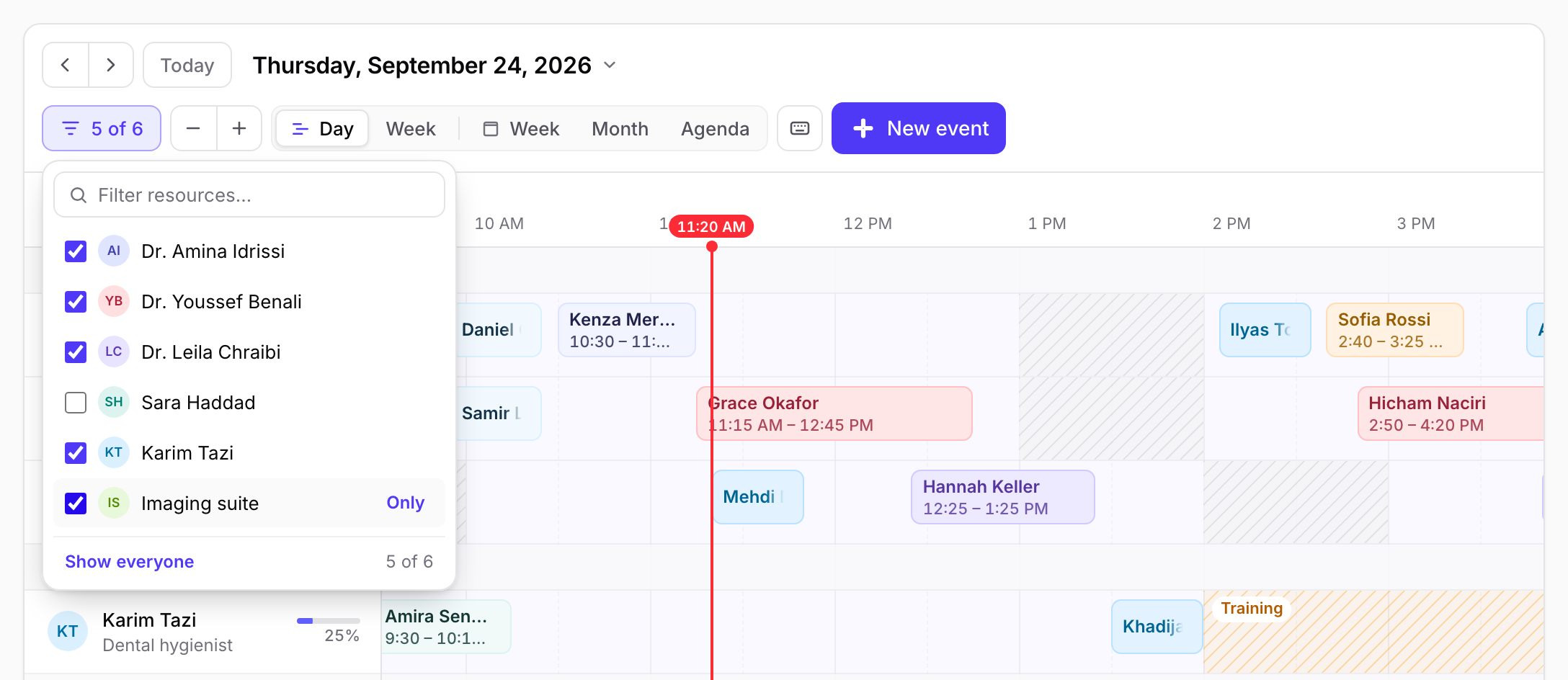 |
Zoom
Zoom timelines with the − + buttons, the - + keys, or Ctrl/⌘ + scroll. Zoom is anchored on the pointer.
Undo
Every move and resize shows a toast with Undo.