
Appearance
Adding & Editing
Inline add
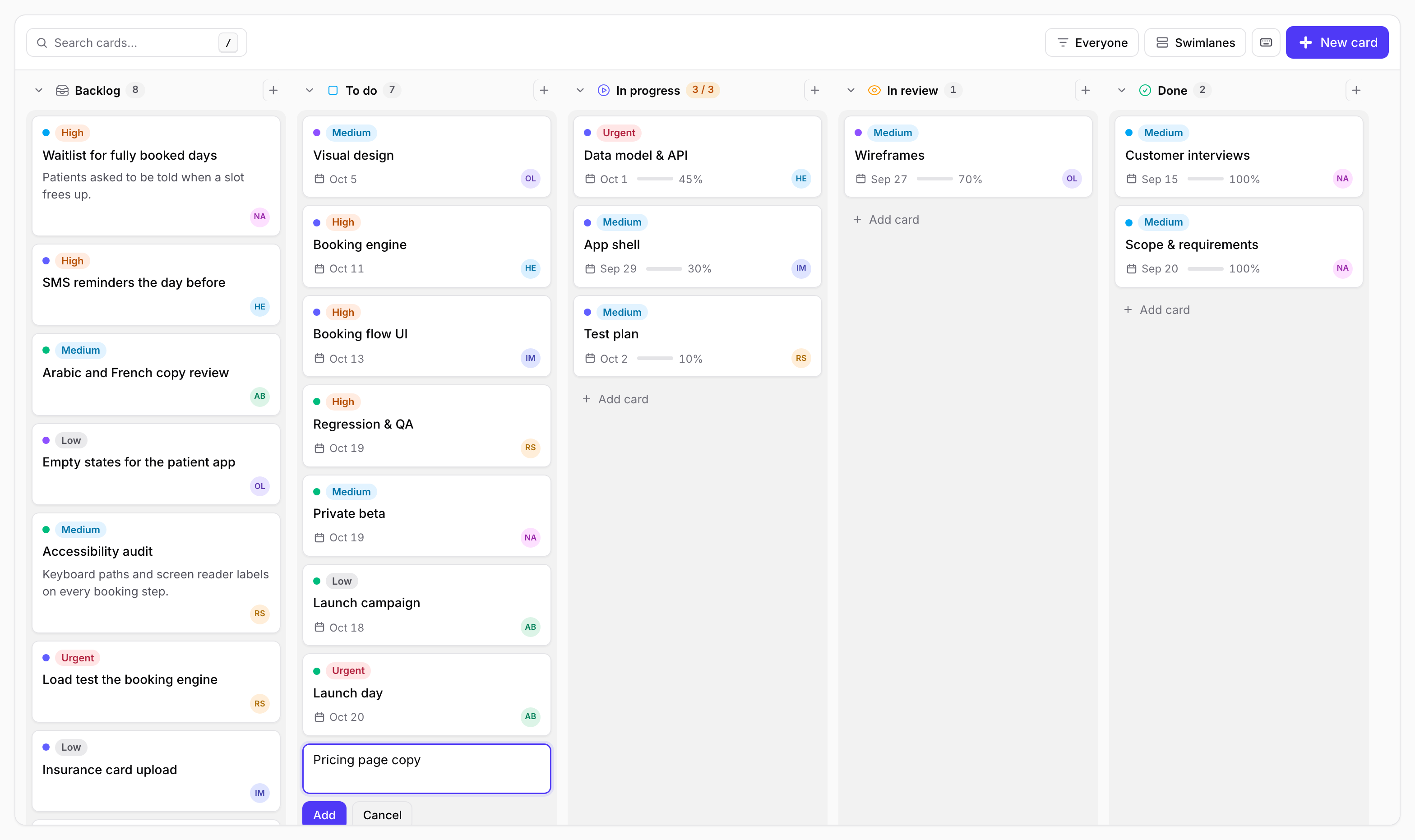
Each column has an inline composer. Type a title, press Enter to add it and keep typing the next one, Esc to close. New cards go to the bottom of their column and lane.
Card details
Clicking a card opens it in a slide-over with its status, lane, due date, labels, details and full description, and Edit and Delete in the footer.
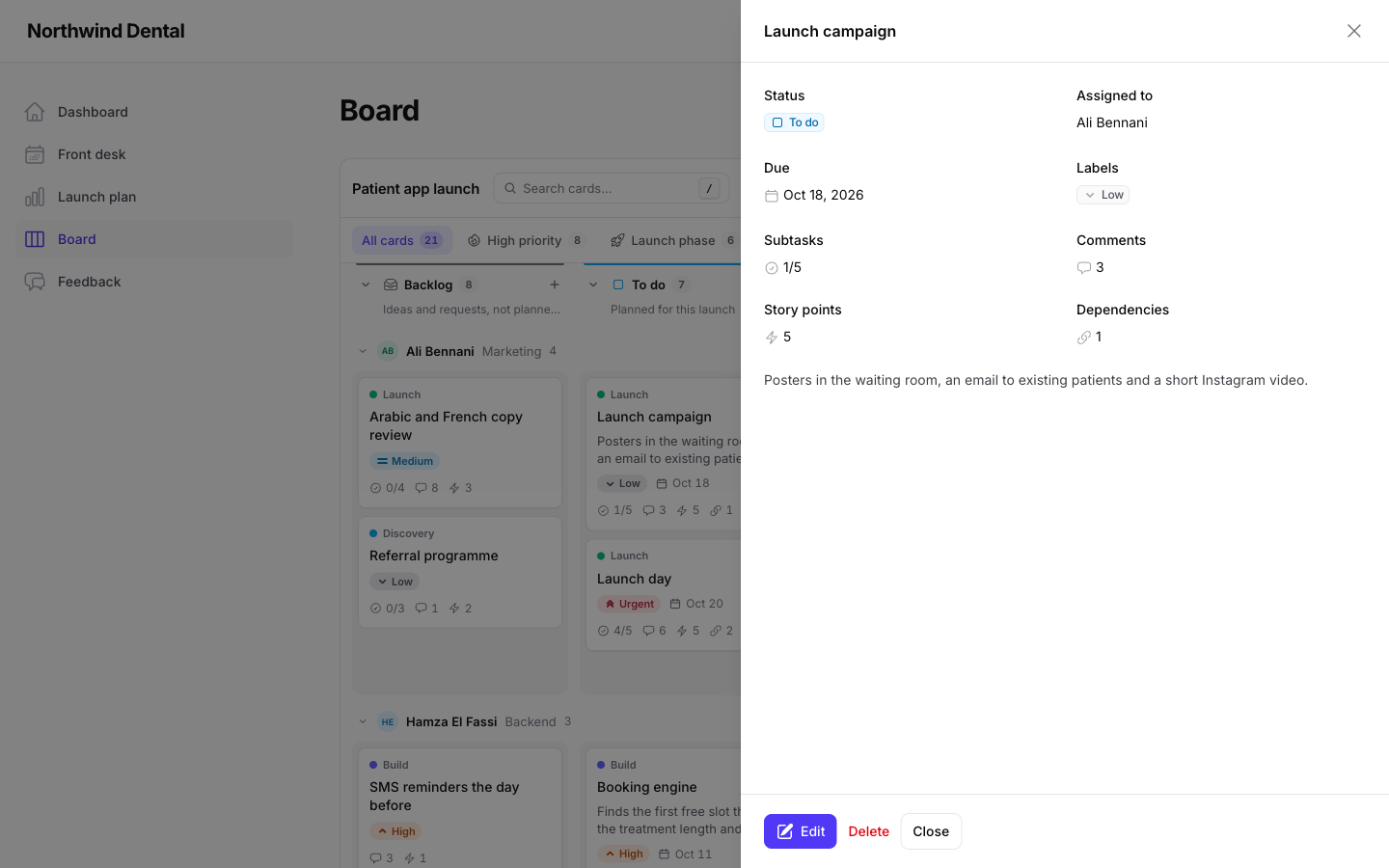
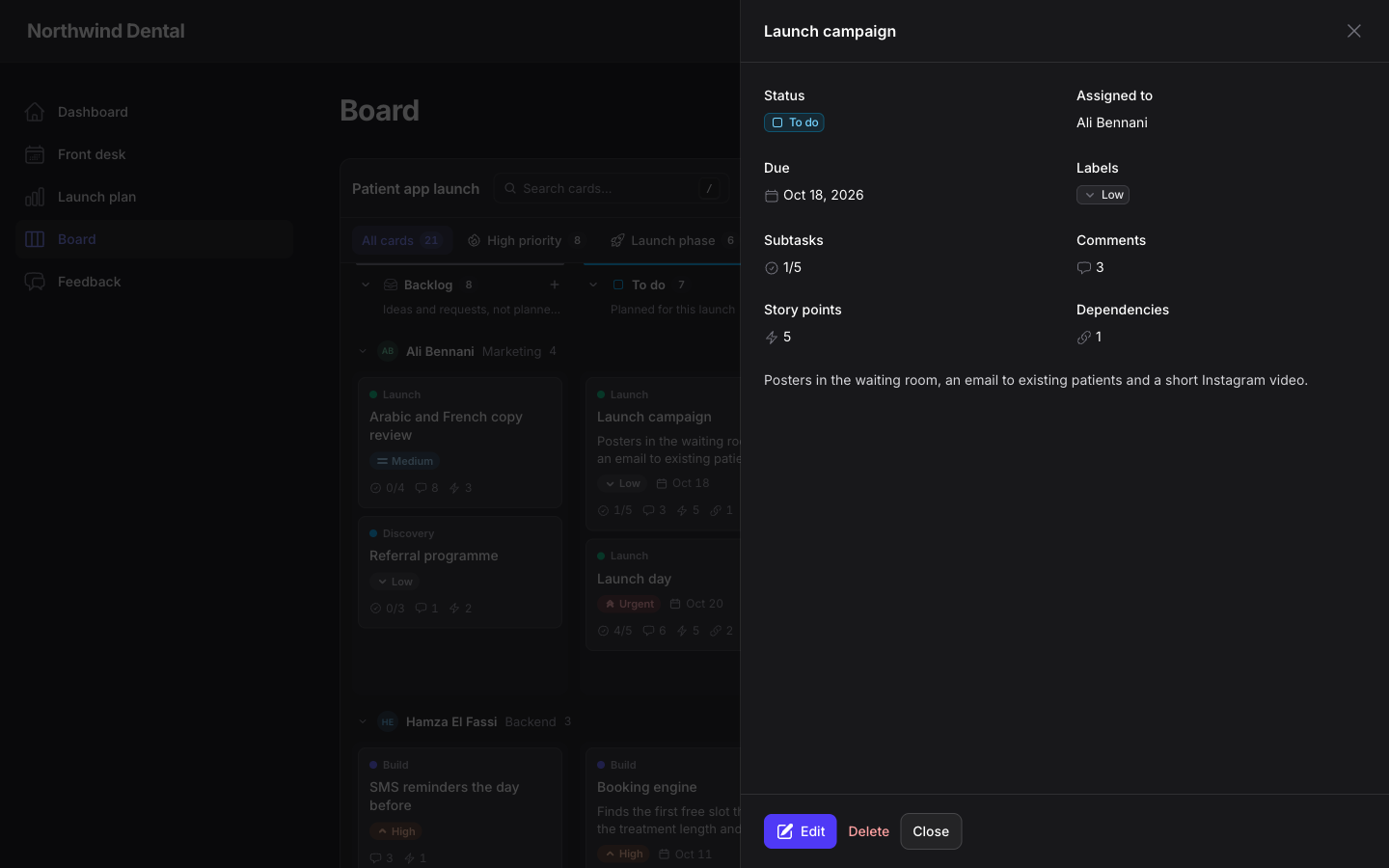
php
->infolist(fn (array $defaults) => [...$defaults, TextEntry::make('owner.name')])
->viewable(false)   // skip straight to the form
->slideOver(false)  // centred modals
The form
php
->schema(fn (array $defaults) => [
    ...$defaults,
    Select::make('priority')->options(Priority::class),
    RichEditor::make('summary'),
])
Exactly as on the scheduler.
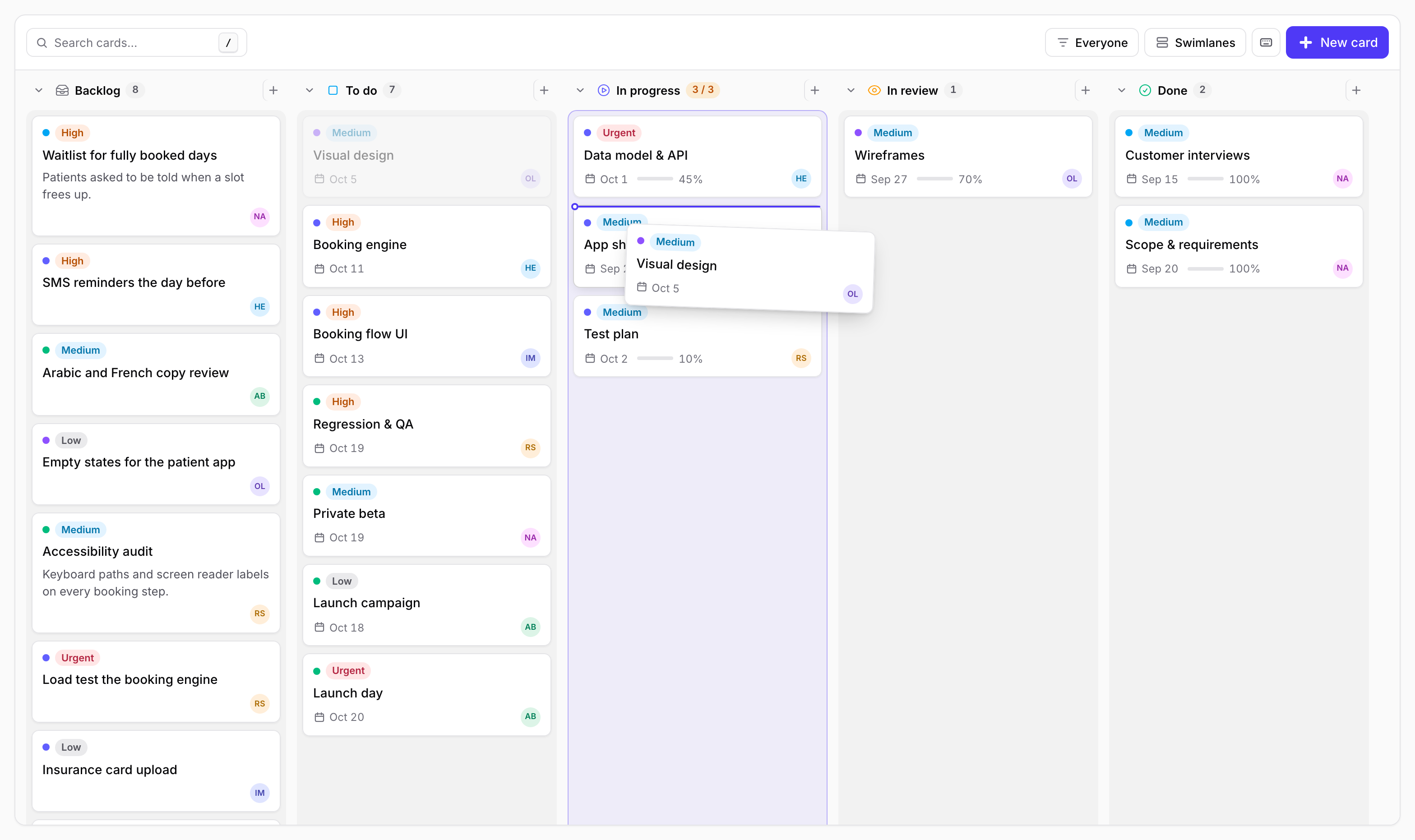
| Drag with a drop line | Inline add |
|---|---|
 |  |